Advertisement
AdvicesAcademy.com exclusive guide on how to Download Instagram photos to PC and Android phone/tablet.
We all are living in an era where we are all technically well equipped. We are involved so much into the different kinds of applications and there are things that we love to do. We go around clicking the different kinds of pictures and then we upload them on Instagram which is the latest buzz creator. It is one thing that makes the photos that you take look different and great but what should one do when one wants to download those pictures on ones device, be it computer or phone?
When one finally decides to end an account on this Instagram, how do we get those pictures to stay with us? Well there is always a way out, and here is how we can get the pictures that we upload on Instagram on our respective devices.
Download Instagram Photos
Few of the things that you can do are as follows, beginning with how to do it from your online account -
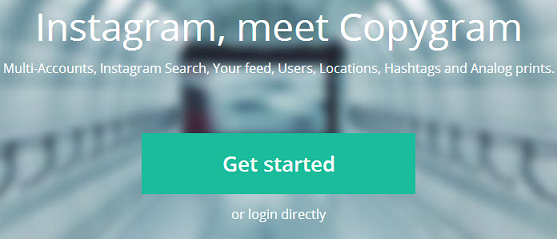
- Copygram- it allows you to directly download pictures from Instagram and the reason it is better is because it has a web interface that lets you check other people photos and download them too. It is a useful web app available for access at next.copygr.am.
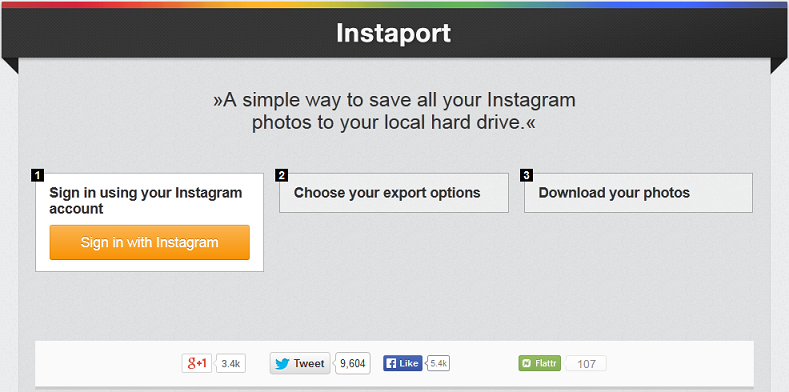
- Instaport - this is one of those online services that lets you simply import all the pictures and videos from your Instagram account to your computer and following the instructions for this is very simple.
Download Instagram Photo to Android
How to get the pictures on your Android device from your Instagram -
- When you access your account from your Android phone, the pictures that you upload automatically gets saved in a particular location on your memory card. All you can do is find out the location and you can find your pictures.
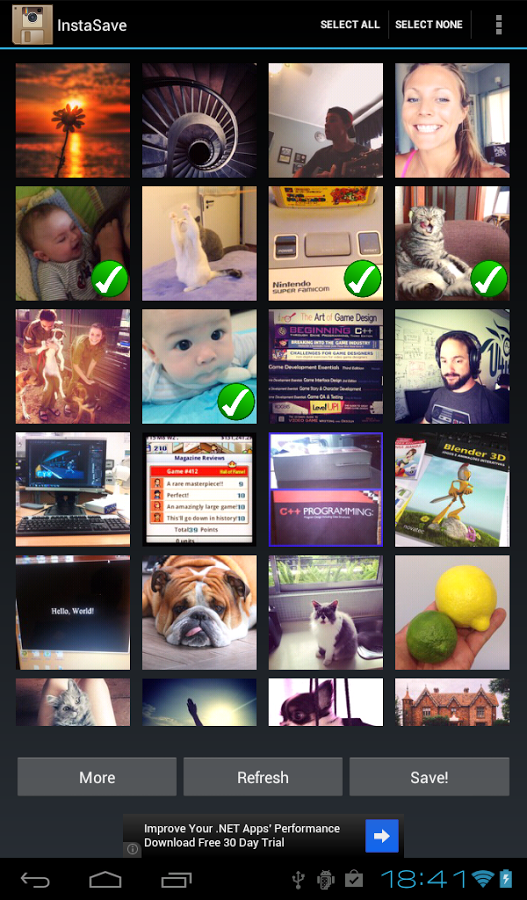
- Instasave - There is this application for the android phones, which will only be necessary, if you have formatted your phone, or that if you have formatted your memory card and have lost the photos that you had saved earlier you can try this out. This will do the needful and you will be able to download all the pictures that you have uploaded recently and that you had uploaded earlier. This is an app which is very small and does the needful. All you need to do is log in with your required account and download the pictures.
Instagram to Computer
How can you download the pictures on the computer directly -?
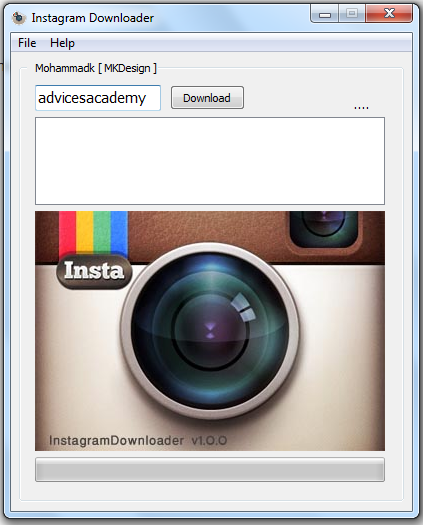
- Instragram Downloader - this is somewhat like downloading the pictures manually. Minimal effort is required and all you need to do is enter the required data after you have downloaded this app in a zip folder. Application directory helps you in the required way and copy and pasting is all you need to do.
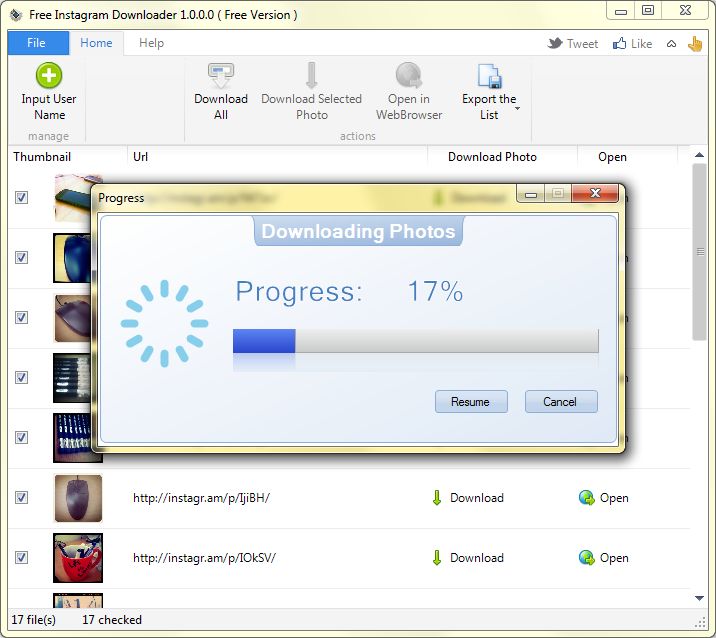
- Free Instagram Downloader - you need to download this on your computer as it automates the process of downloading. After it asks for your id it gives you a list of all instagrams from the given account. And hence you are then allowed to download whichever picture you want to from that account.
Hence the needful is down.
Advertisement